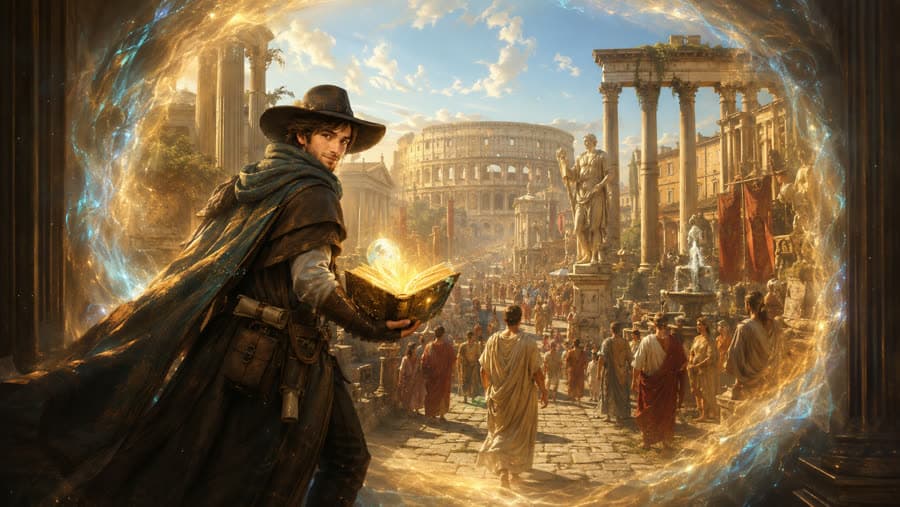
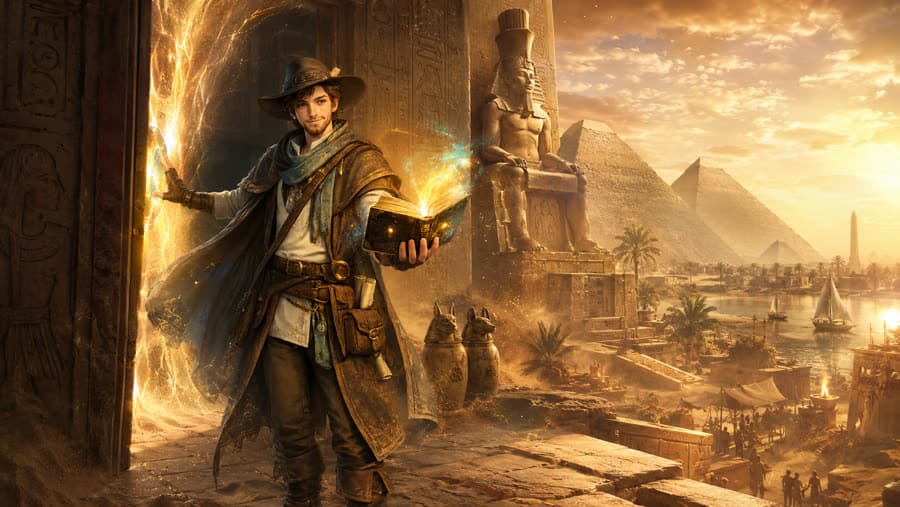
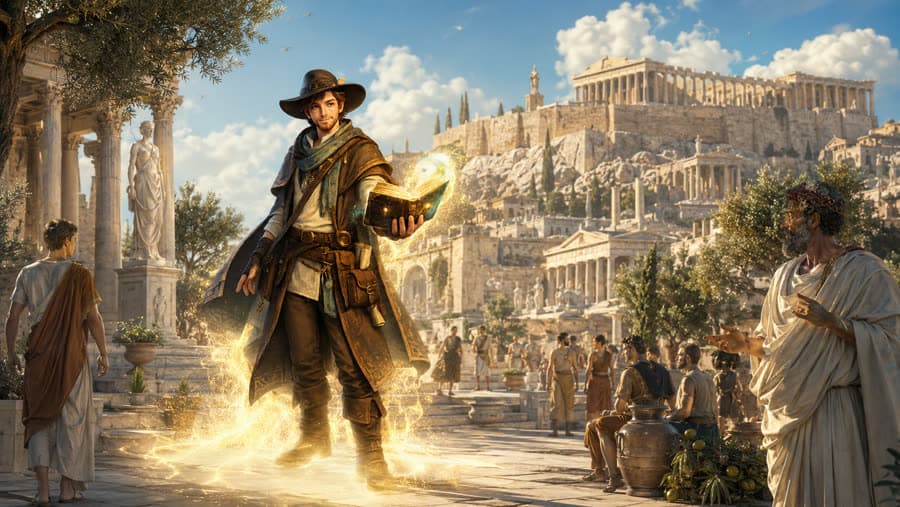
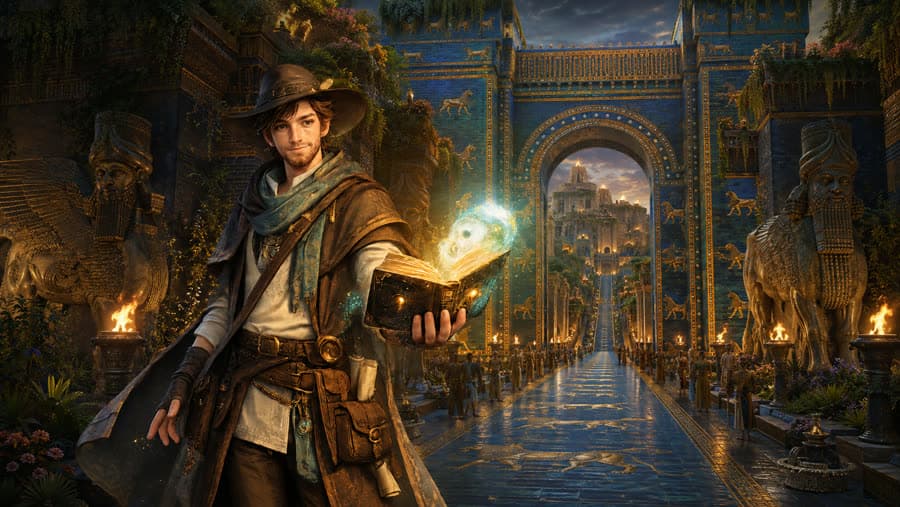
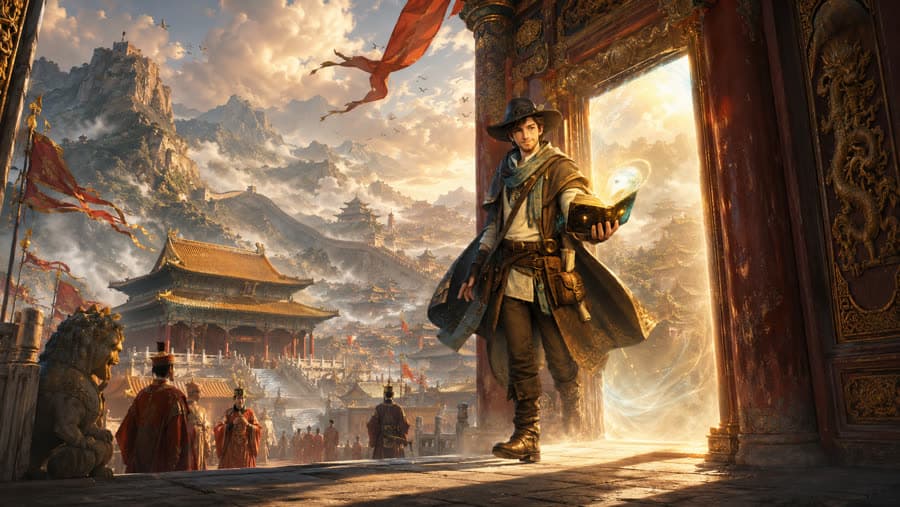
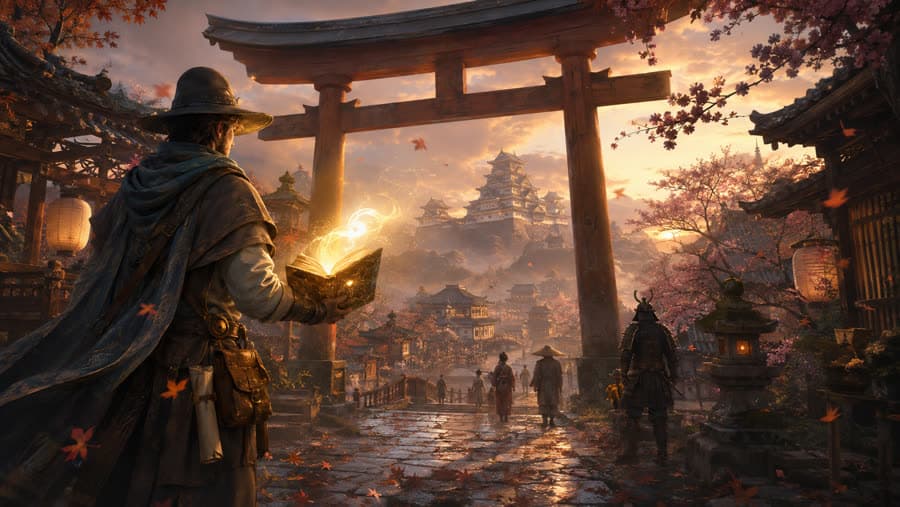
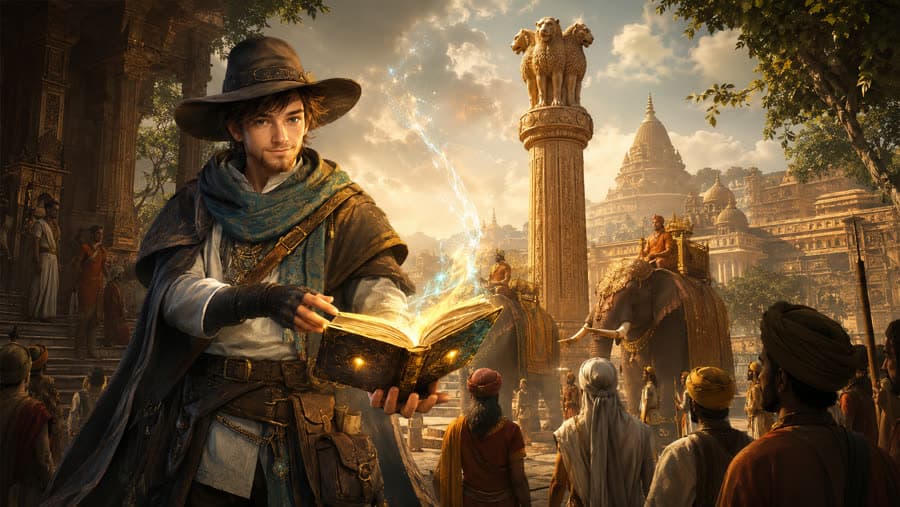
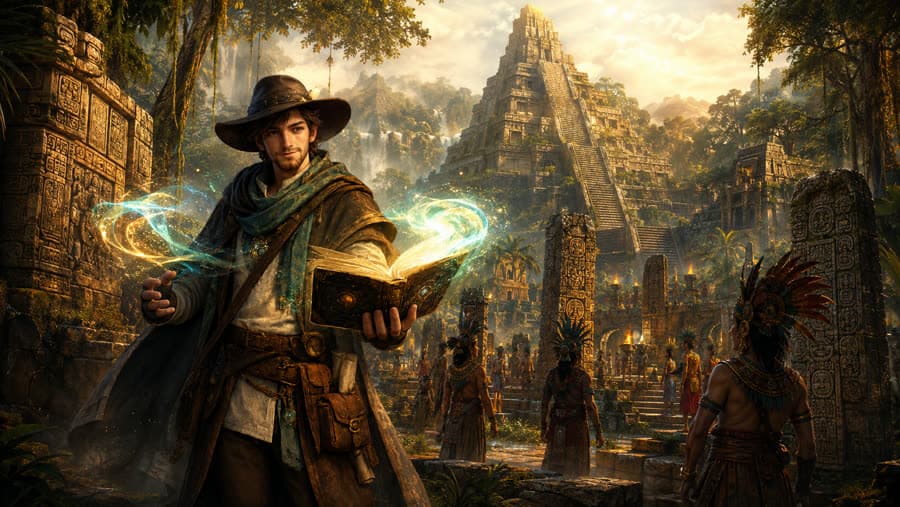
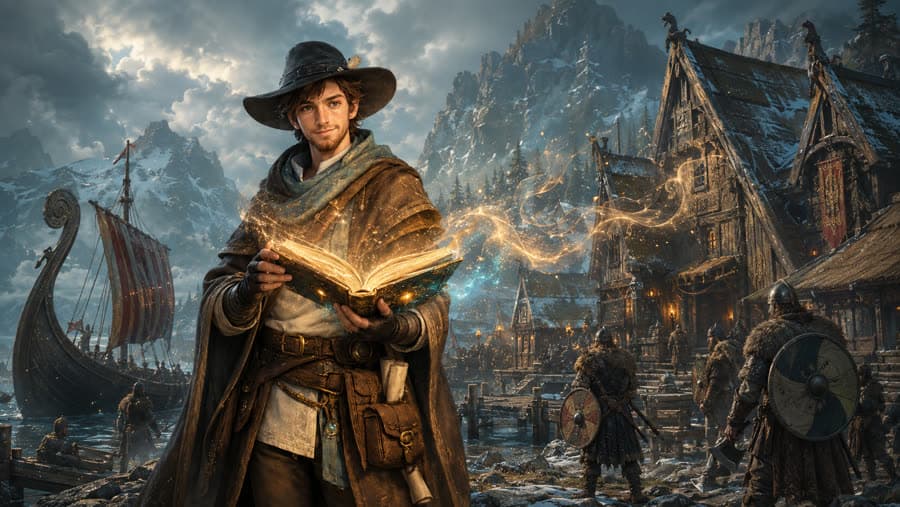
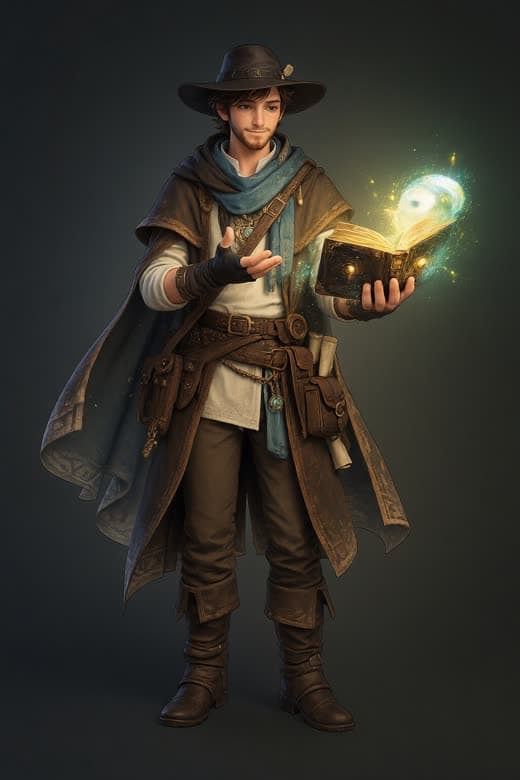
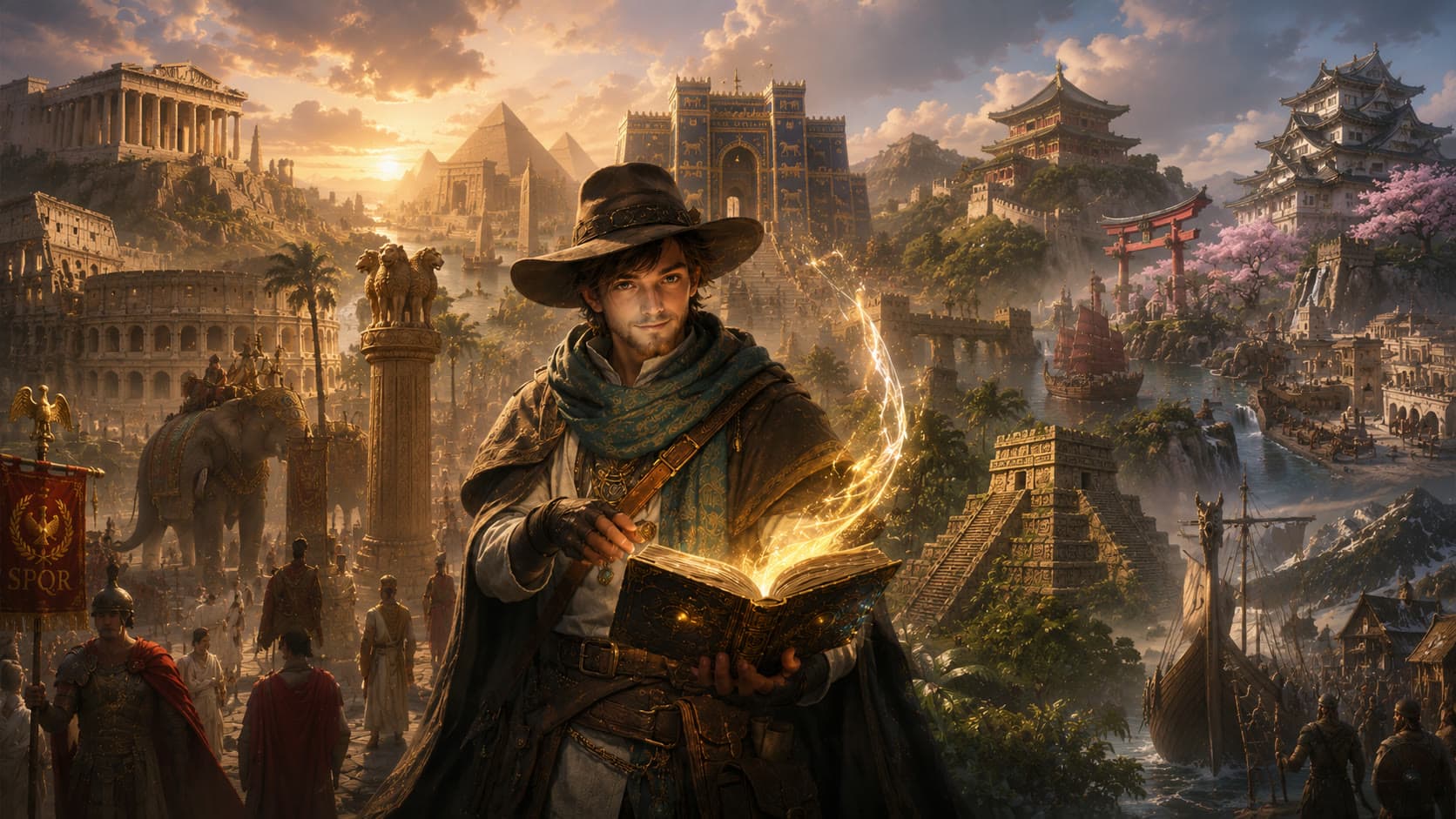
The guide holds a glowing open book while the monuments of ten ancient civilizations rise behind him.
← All projects

Project 05 · Interactive AI / Creative Technology / Experimental Interface

The Magical Book

What if opening a book could transport you inside history?

I wanted to recreate a childhood feeling: opening a book and wishing I could step directly into the world on its pages. The Magical Book turns that idea into an interactive web experiment connecting storytelling, generative video and spatial interaction.

ChronoAtlas10 civilizations23 experience statesBrowser experiment

Demo

See the experiment in motion

From a closed book to ten worlds.

Recorded from the running experiment. 2 min 32 s, no audio.

Intent

Turn reading history into entering history.

This was never about building another history website. The goal was to test whether a browser experience could make someone feel that a physical magical book had noticed them, opened itself and become a portal.

The anti-goals were written down before the first line of code: it must not feel like a landing page, a slideshow, a carousel, a video gallery, a museum information site, a dashboard, a collection of cards, an educational site with clickable pins or a standard React application. The first ten seconds had to earn a screen recording.

One rule mattered more than the others: civilization selection is explicit. The book never throws a visitor into a random world. It shows all ten, lets you look, and waits for a decision.

  1. Closed book
  2. Interaction
  3. Book awakens
  4. Book opens
  5. Portals appear
  6. You choose a civilization
  7. Cinematic transition
  8. Civilization experience
  9. Discoveries
  10. Return to the book

The worlds

Ten civilizations, one book.

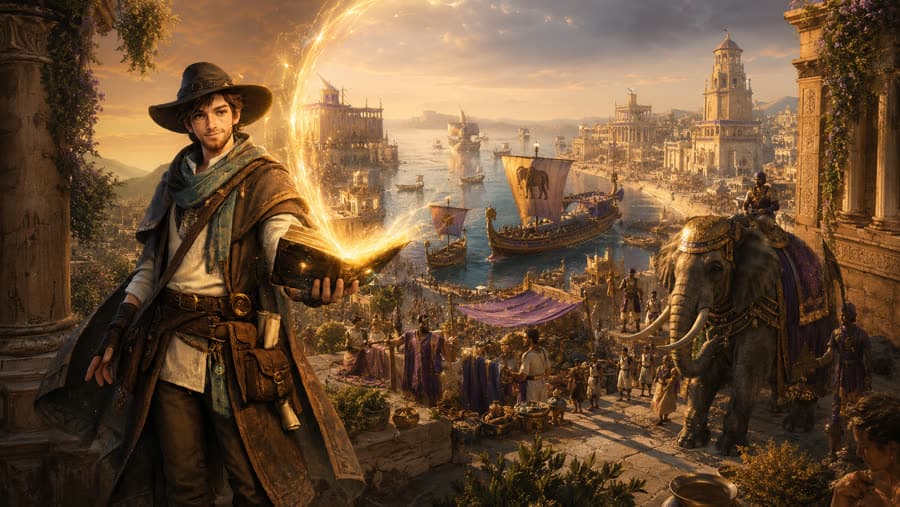
Each world carries a period, a tagline, three authored discoveries and a note that the scenes are historically inspired reconstructions rather than records. Carthage was built first as the gold-standard journey and the system was then applied to the remaining nine; Ancient Egypt served as the reference clip for the depth and spatial-video research.

  1. Carthage: Masters of the Mediterranean.
    01

    Carthage

    c. 9th to 2nd century BCE

    Masters of the Mediterranean.

  2. Ancient Rome: Walk through the Eternal City.
    02

    Ancient Rome

    c. 8th century BCE to 5th century CE

    Walk through the Eternal City.

  3. Ancient Egypt: Follow the river into eternity.
    03

    Ancient Egypt

    c. 3100 to 30 BCE

    Follow the river into eternity.

  4. Ancient Greece: Where ideas entered public life.
    04

    Ancient Greece

    c. 8th to 2nd century BCE

    Where ideas entered public life.

  5. Babylon: Enter the city behind the blue gate.
    05

    Babylon

    c. 19th to 6th century BCE

    Enter the city behind the blue gate.

  6. Ancient China: Beyond the gate lies an empire of many eras.
    06

    Ancient China

    221 BCE to 1912 CE

    Beyond the gate lies an empire of many eras.

  7. Ancient Japan: Follow the path beneath the falling petals.
    07

    Ancient Japan

    c. 12th to 19th century CE

    Follow the path beneath the falling petals.

  8. Maurya India: An empire connected by roads, messages and rule.
    08

    Maurya India

    c. 322 to 185 BCE

    An empire connected by roads, messages and rule.

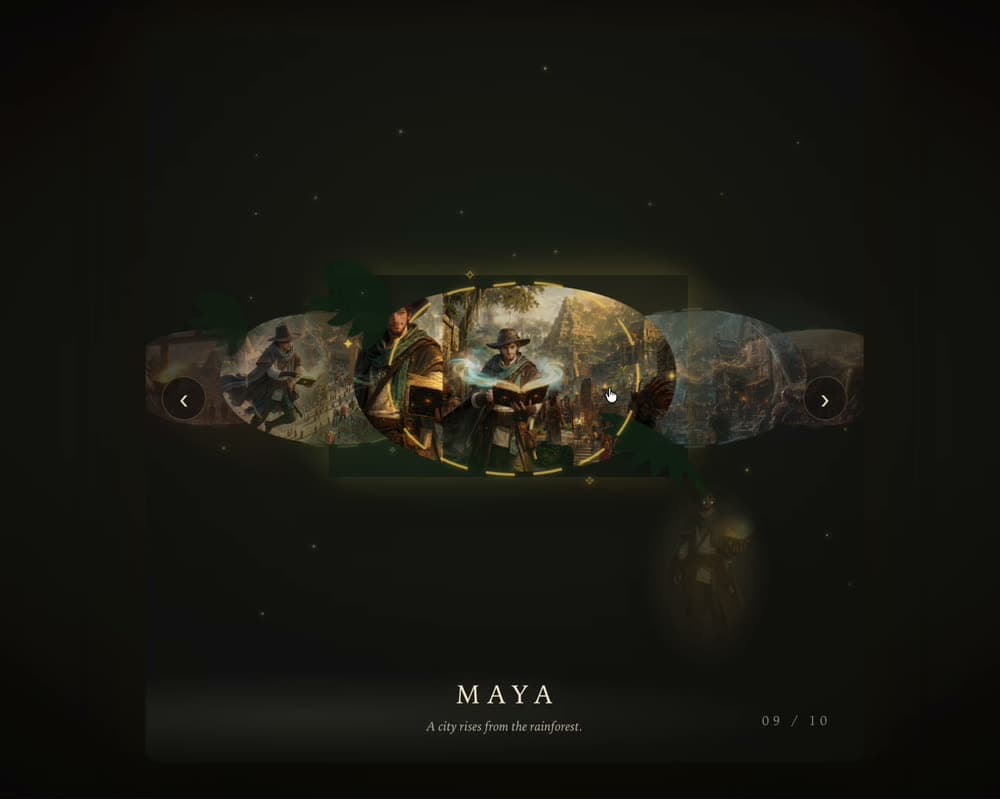
  9. Maya civilization: A city rises from the rainforest.
    09

    Maya civilization

    c. 250 to 900 CE

    A city rises from the rainforest.

  10. Viking world: Sail beyond the edge of the known map.
    10

    Viking world

    c. 793 to 1066 CE

    Sail beyond the edge of the known map.

Experience

Nine moments, in order.

Stills from the recorded demo. Every frame below is the real experiment.

  1. Discover the book: still from the demo
    01

    Discover the book

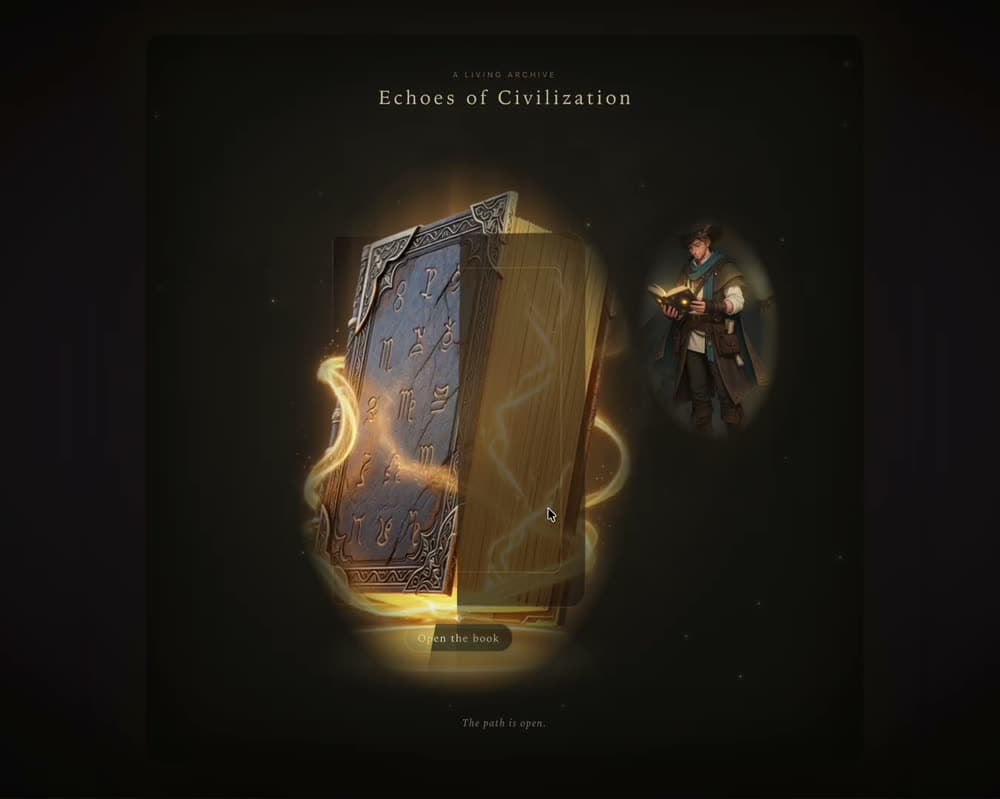
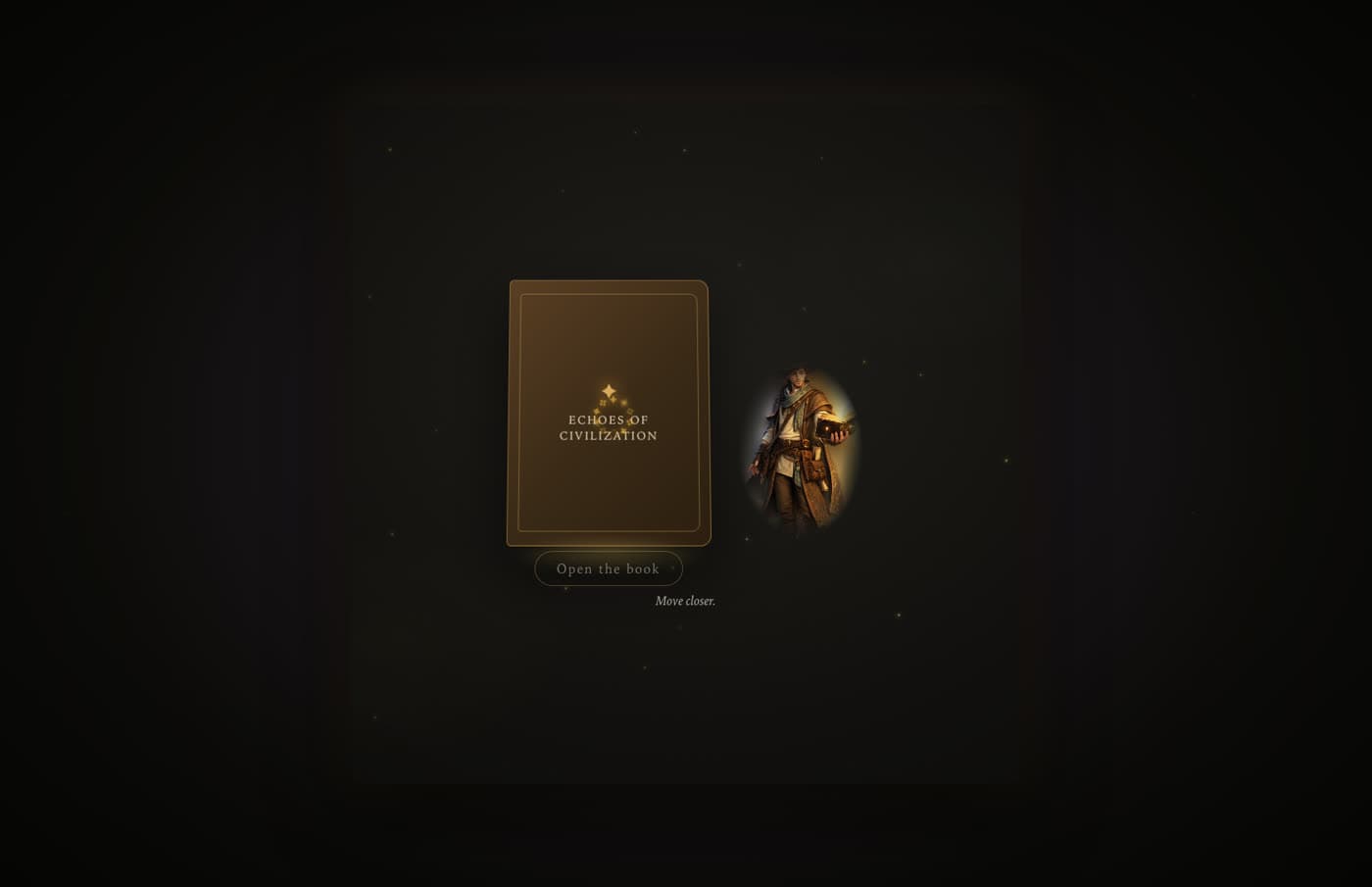
    A closed book on a dark stage. Nothing asks for a click; the page waits for you to move closer.

  2. The guide reacts to you: still from the demo
    02

    The guide reacts to you

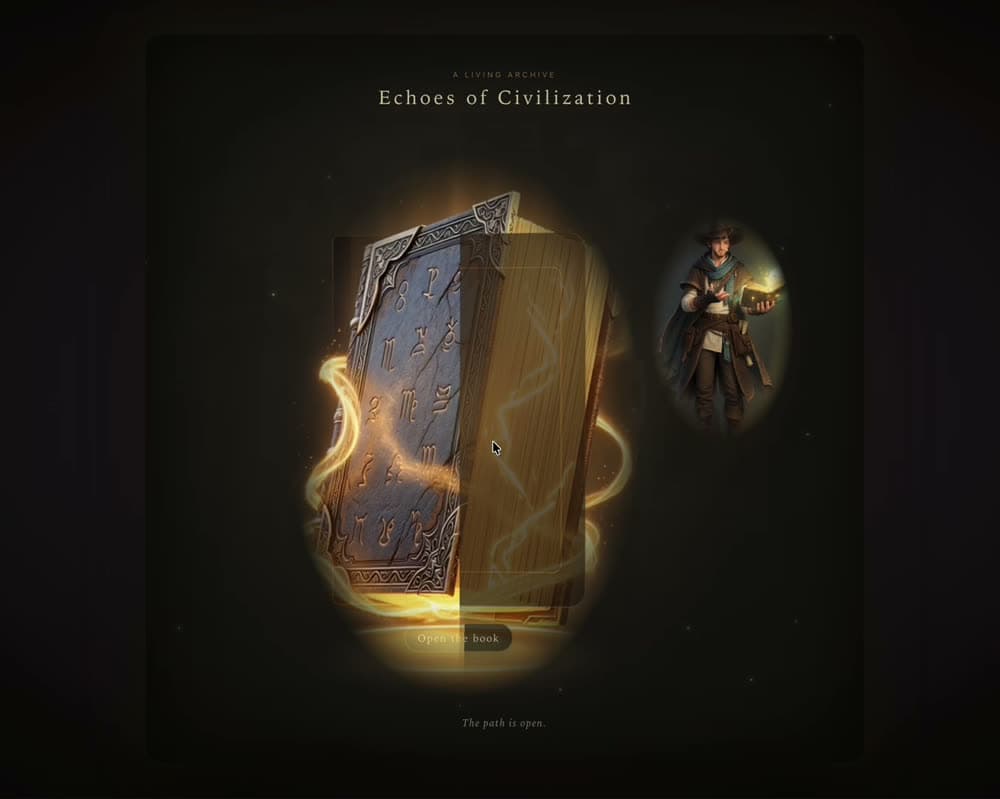
    Pointer position drives the guide’s pose and the book's attention before anything is pressed.

  3. Open the book: still from the demo
    03

    Open the book

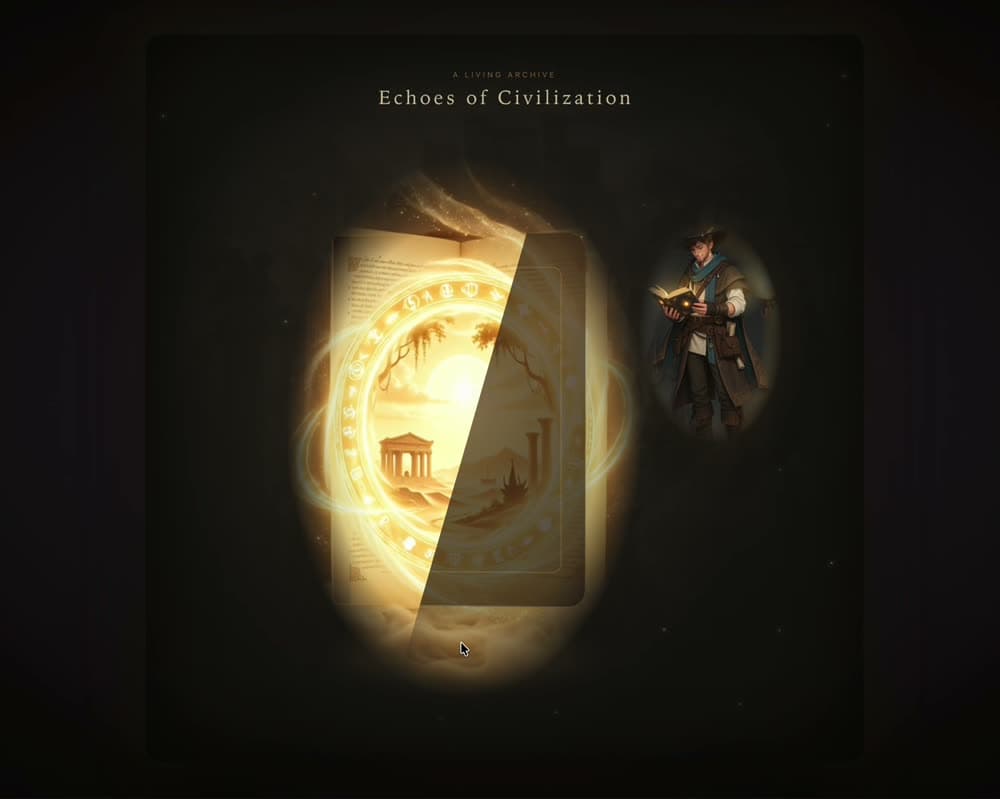
    One deliberate click. The cover lifts and light spills from the pages.

  4. Reveal the civilization portals: still from the demo
    04

    Reveal the civilization portals

    Ten destinations emerge as a constellation of portals, not a grid of cards.

  5. Choose a world: still from the demo
    05

    Choose a world

    Selection is explicit. Focusing a portal previews it; only a second act commits to the journey.

  6. Enter through a cinematic transition: still from the demo
    06

    Enter through a cinematic transition

    The guide launches from the portal’s real screen position; the route changes only once the screen is covered.

  7. Explore environmental discoveries: still from the demo
    07

    Explore environmental discoveries

    Golden rings surface from proximity and chapter time. A look-around never fires a discovery by accident.

  8. Build your chronicle: still from the demo
    08

    Build your chronicle

    Text is the second reward: a quiet glyph offers the chronicle a moment into each discovery chapter.

  9. Return to the magical book: still from the demo
    09

    Return to the magical book

    The world compresses into a shrinking portal and is absorbed back into the book, which lands on the same civilization.

Interaction design

An interface that notices you.

Cursor-aware guide

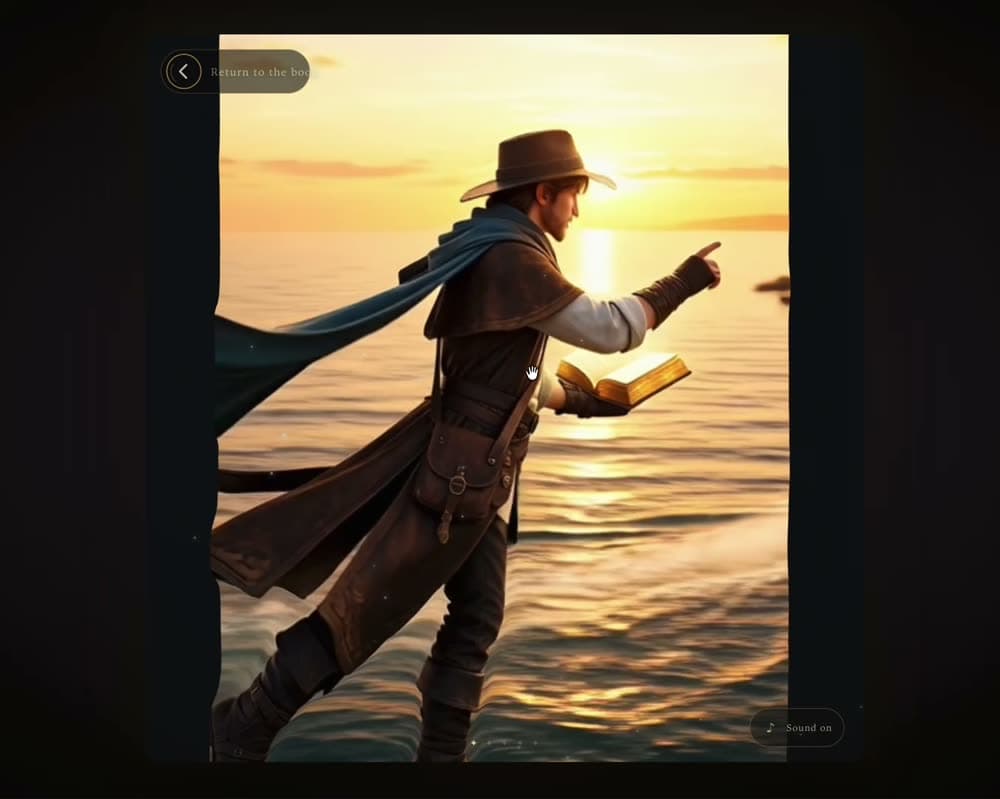
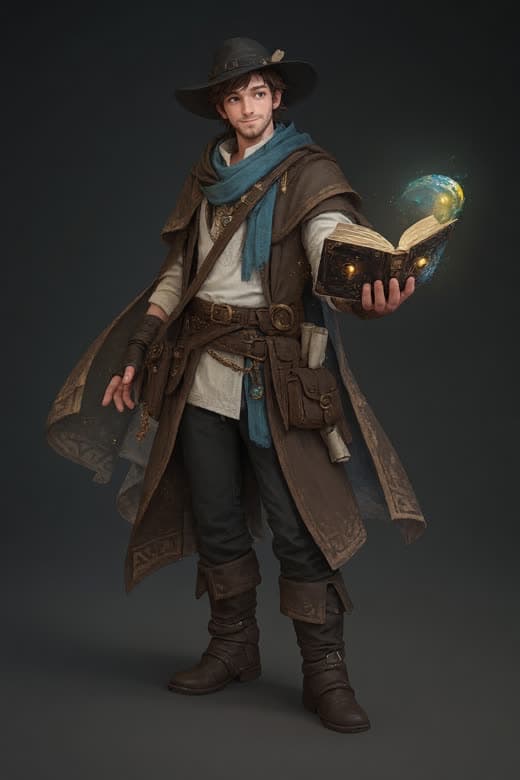
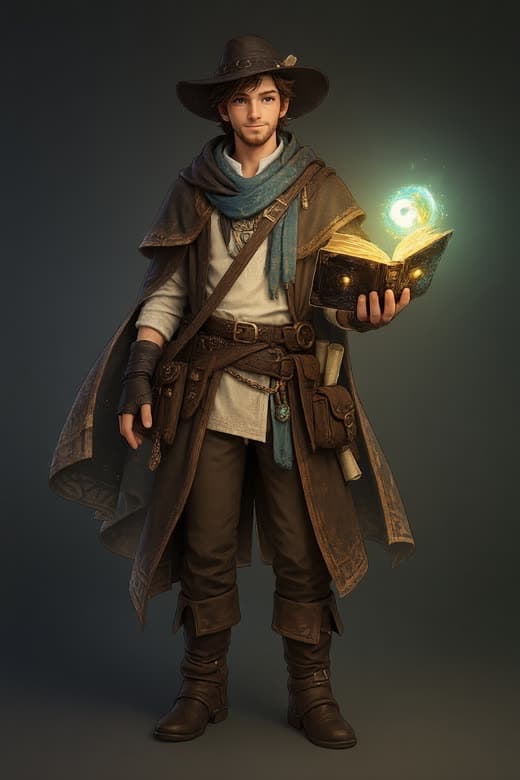
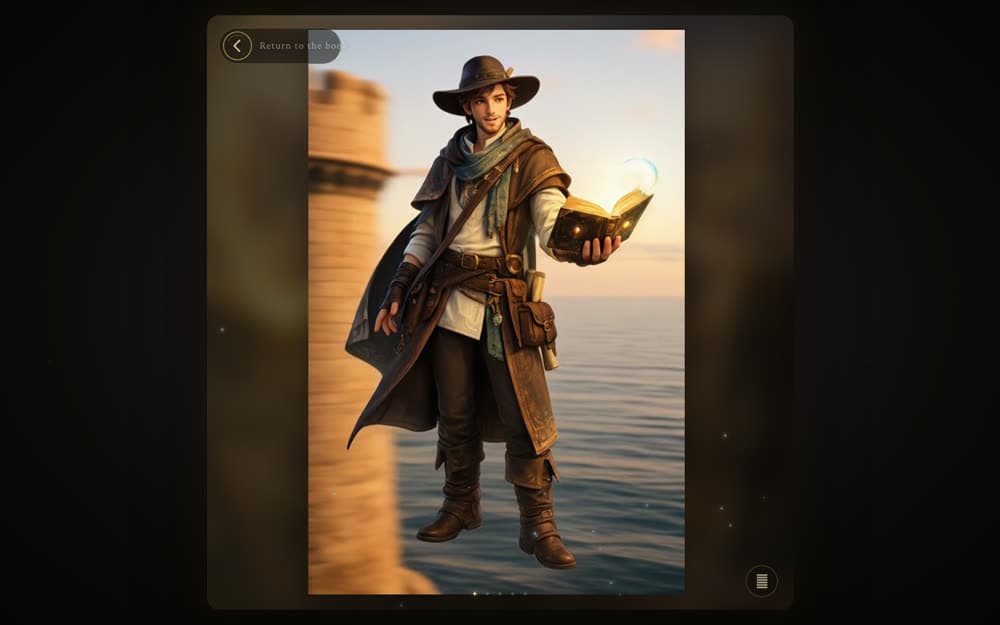
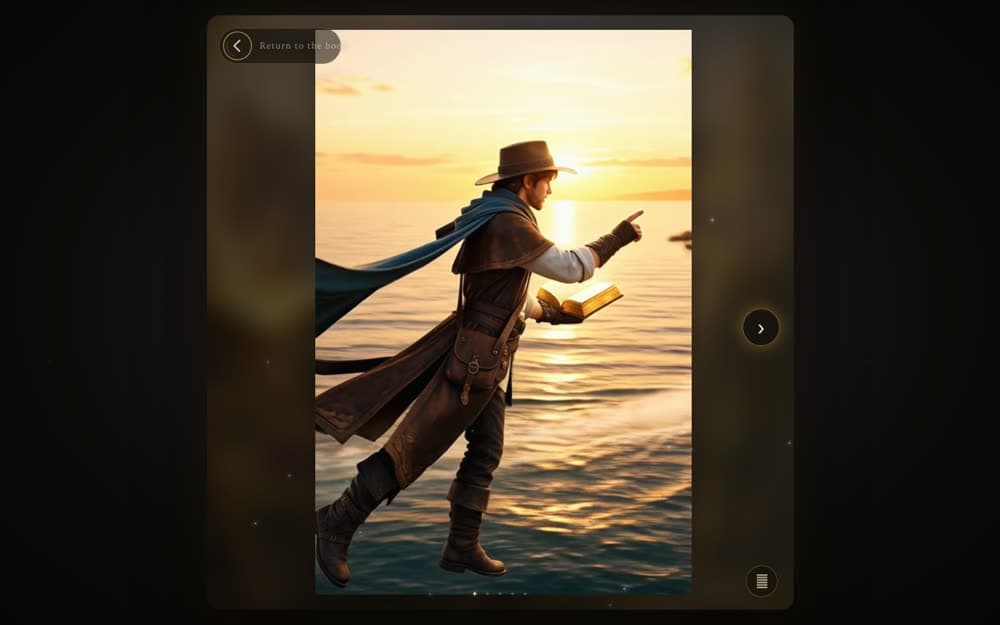
The guide responds to pointer position, direction and distance. Five authored poses are selected from the pointer frame and crossfaded between two anchor-locked plates, so the character looks toward you, toward the book, or invites you in, and never snaps.

Guide pose: looking left (the right-facing plate, mirrored, as the experiment does)Guide pose: neutral, facing the visitorGuide pose: looking rightGuide pose: inviting the visitor forward

Living book

The book is a character, not navigation. It sleeps, notices the pointer at a distance, awakens as you approach, becomes ready, and opens on one deliberate click. Thresholds carry hysteresis so its attention never flickers at a boundary.

The closed book on a dark stage beside the guide, with the prompt to open the book.

Portal constellation

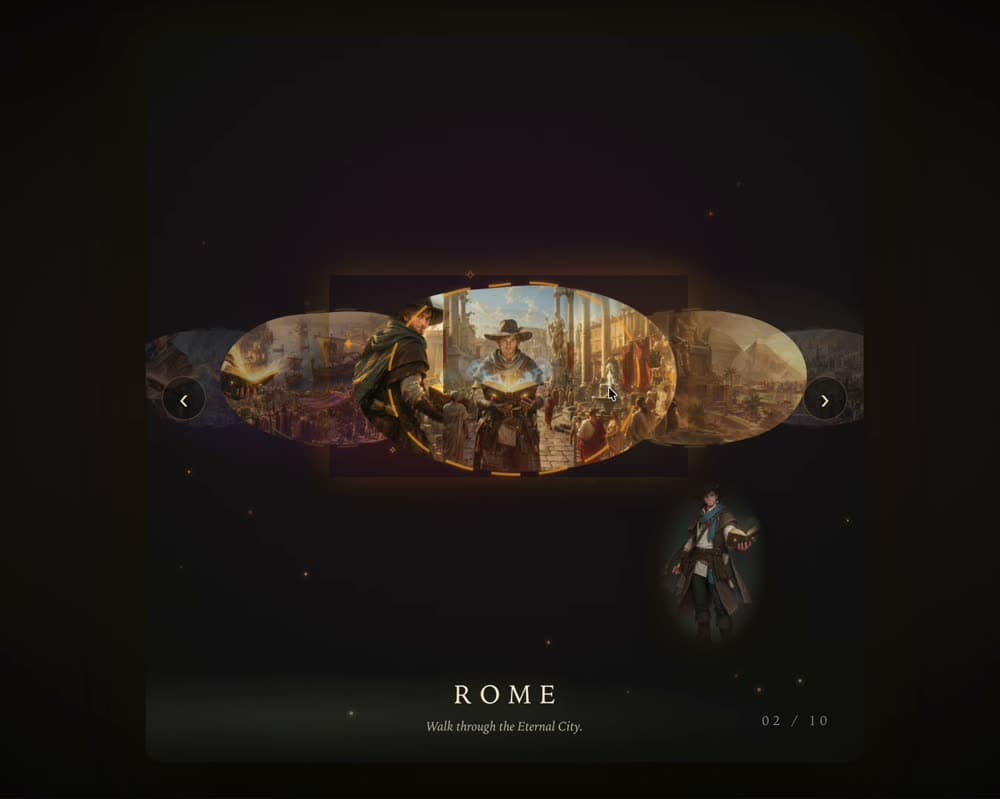
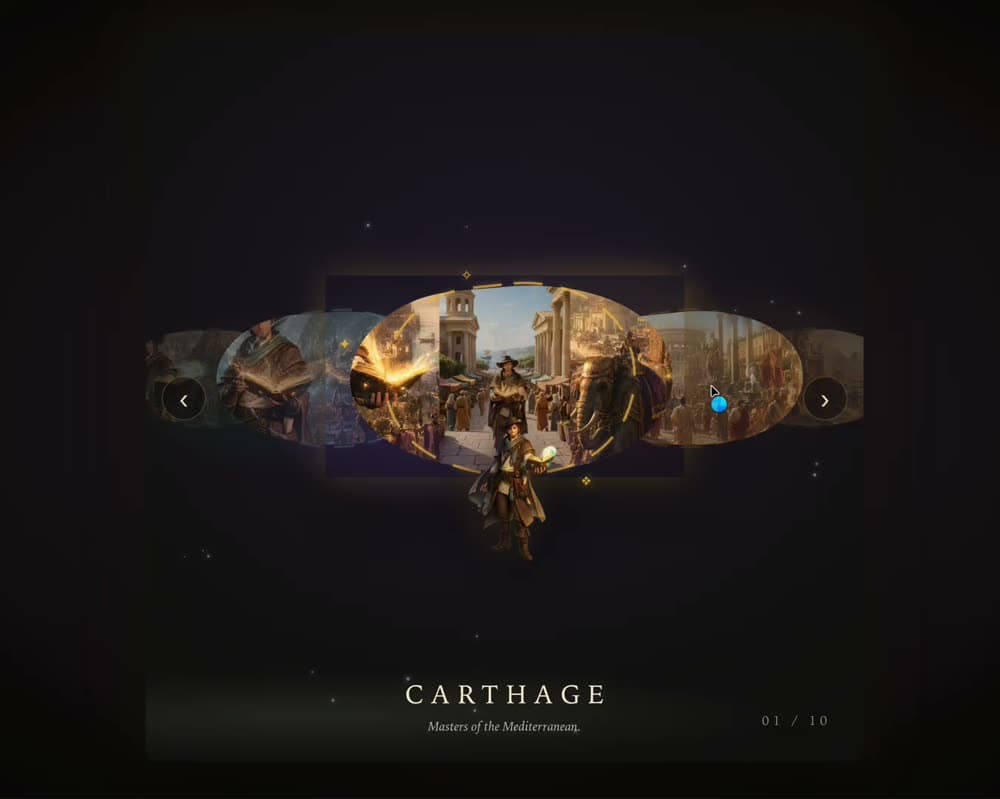
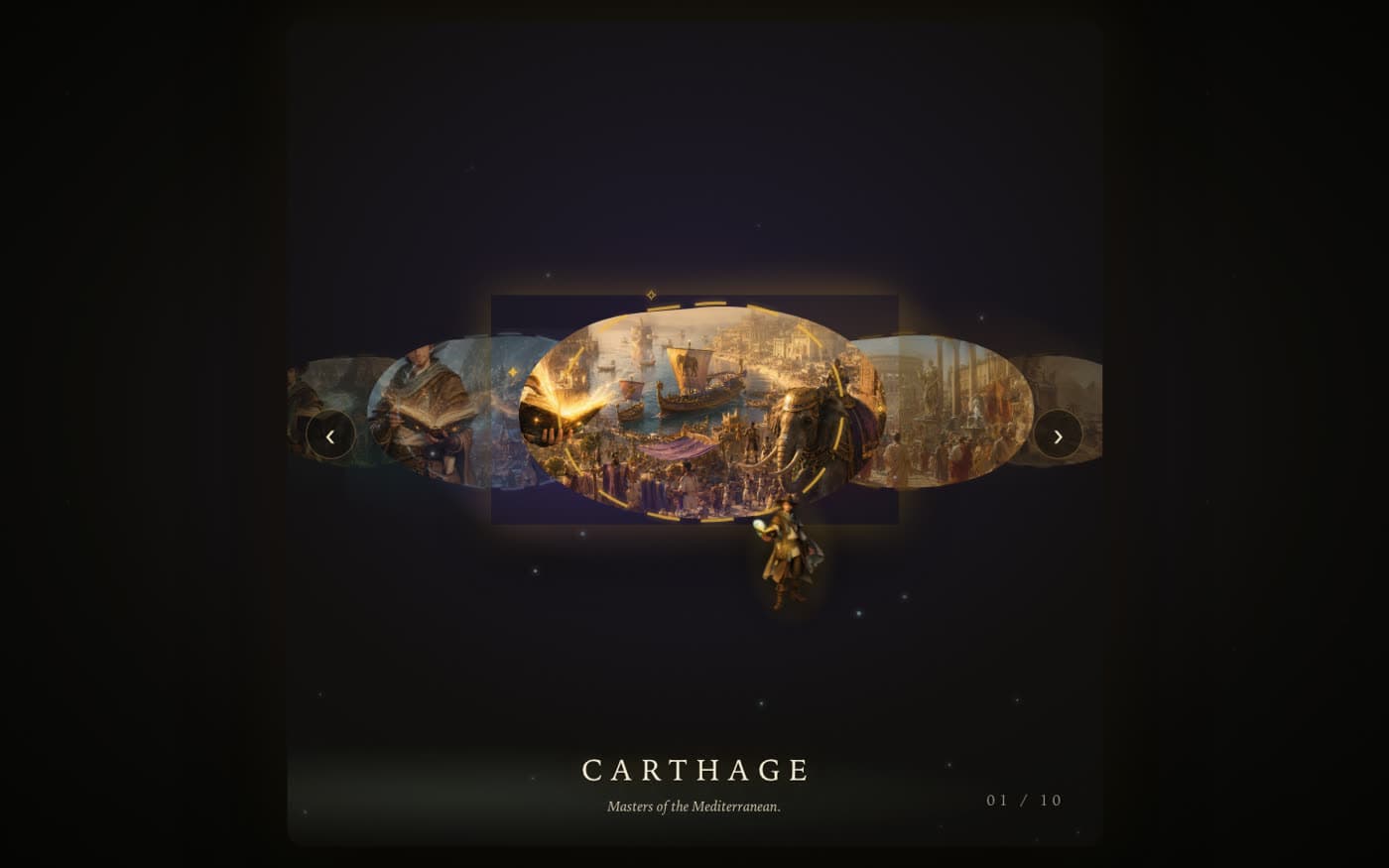
Opening the book reveals the whole collection of destinations before any journey starts. Portals are organic, receding shapes with the guide floating among them; focusing one previews it, selecting it commits.

The open-book atlas: elliptical portals receding into mist, with Carthage focused and the guide floating below.

Cinematic exploration

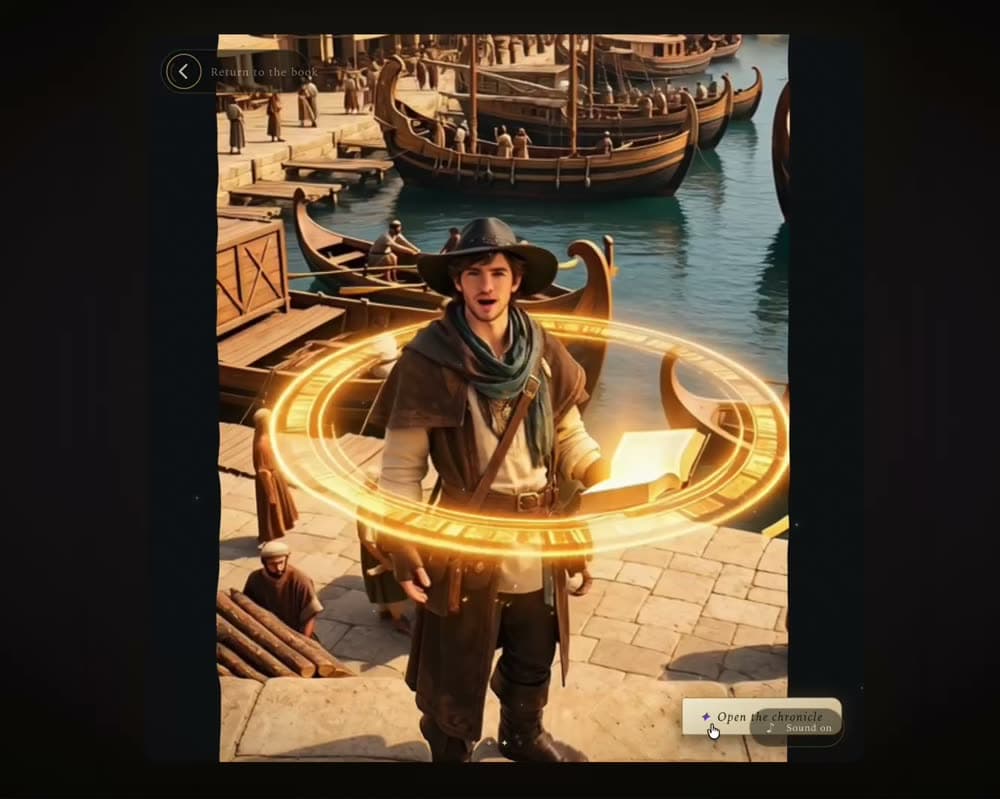
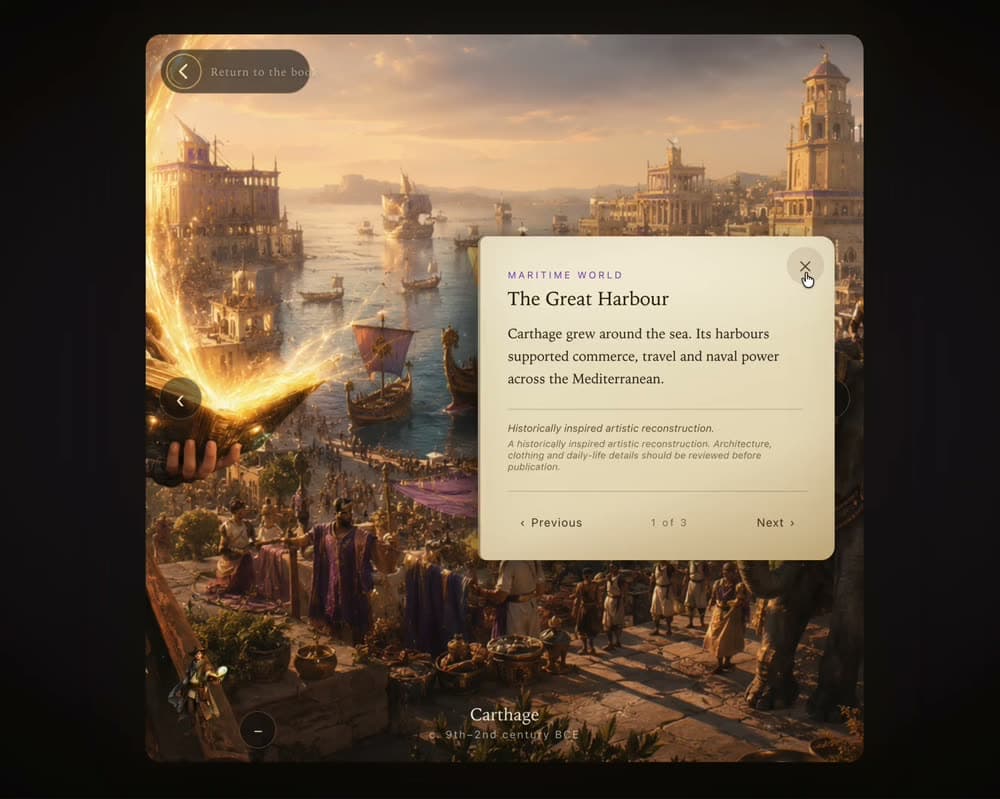
Generated historical scenes are combined with browser interaction so moving the mouse shifts the camera with real parallax. It is a 360-like, spatial cinematic interaction on a depth-displaced plane, closer to navigating an environment than watching a clip. It is not genuine 360 degree video, and the experiment never claims it is.

Carthage chapter with the pointer on the left: the camera drifts left.
Pointer left
The same Carthage chapter with the pointer on the right: the camera drifts right.
Pointer right

Technical

The system behind the magic.

Generation was the easy half. The engineering problem was keeping a cinematic, pointer-driven experience coherent: one source of truth for where the visitor is, guarded transitions, and media that arrives before it is needed.

Experience state machine · 23 states

  1. Arrival
    • booting
    • darkness
    • guide-idle
    • guide-following
  2. Living book
    • book-sleeping
    • book-aware
    • book-awakening
    • book-ready
    • book-opening
    • worlds-emerging
  3. Atlas
    • atlas-idle
    • atlas-navigating
    • world-focused
  4. Flight
    • flight-preparing
    • flight-launching
    • portal-crossing
    • civilization-arriving
  5. World
    • chapter-playing
    • chapter-paused
    • chronicle-open
  6. Return
    • return-preparing
    • returning
    • book-restoring

Transitions are an explicit adjacency table. The return journey closes the loop on the atlas, not the intro, with the same civilization focused. Route changes (refresh, hash, Escape) restore state from the URL.

Multi-state interaction architecture

One guarded state machine with 23 named states and an explicit transition table. Illegal transitions return false, which is how double clicks, duplicate animations and two guides on screen are prevented.

Pointer interaction engine

A single window-level pointer listener and one animation-frame loop publish a smoothed frame (position, velocity, direction, proximity to book and guide, idle time, touch flag) to subscribers that write straight to the DOM. No React state per mouse move.

Posed, reactive guide

Five audited pose plates (neutral, look left, look right, watch the book, inviting) chosen from pointer direction and proximity, crossfaded over 320 ms between two anchor-locked layers so a pose change can never flash.

Living-book system

Three pointer-proximity thresholds with hysteresis drive a nine-state book reducer: idle, noticing, awakening, ready, opening. A click made while media is still loading is queued and honoured the instant the book is ready.

Portal selection with intent

Focus and selection are separate acts. Focusing a portal only updates the route; selecting it must pass the state guard, so a world can never be entered mid-animation or by accident.

Civilization flight sequences

Framer Motion choreography driven from the portal’s measured screen rectangle, tinted per civilization, with a guide hand-off video. The route swap fires only once the screen is fully covered.

Environmental discoveries

Each of the ten worlds carries three authored hotspots. Discoveries reveal in four ways: always, pointer-near, chapter-time or guide-discovery, and tap is distinguished from drag so looking around never opens one.

Chronicle and progression

Chronicle text opens from a delayed glyph inside discovery chapters and owns the Escape key while visible. The story is the second reward, after the environment.

Animated return journey

The visible world compresses into a shrinking portal while a small book rises to receive it; the constellation is restored beneath with the same civilization focused.

Responsive and accessible input

Live listeners for prefers-reduced-motion and coarse pointers set a three-level particle budget (full, reduced, off). Tab visibility pauses animation. Reduced motion softens transitions but never diverts a visitor to a static fallback.

Asset and video orchestration

A single asset manifest is the only module allowed to import media. Pose plates are pre-warmed, the book video is preloaded as a metadata hint only, and scene videos are torn down explicitly (pause, drop source, reload) when travelling.

Depth-aware, 360-like scenes

Generated clips play on a three.js plane displaced by a per-frame depth texture, so the camera can drift and dolly with real parallax. A four-tier ladder (depth-aware, layered multiplane, flat pan-zoom, poster) demotes automatically when frame rate drops. Never genuine 360 degrees, and the code says so.
Scale of the experiment

10
Ancient civilizations
50
Generated chapter clips
23
Experience states
1
Living magical book

Fifty chapter clips (five per civilization) plus book, guide and flight footage: 95 generated videos in total, 30 authored discoveries, one guarded state machine.

Stack

Built with a deliberately small stack.

Verified from the project’s manifests and source. No router library, no state library, no CSS framework: a hand-rolled hash router, a subscriber set and plain CSS.

Tech stack

  • React 19
  • TypeScript (strict)
  • Vite
  • Framer Motion
  • three.js
  • Plain CSS
  • Vitest

Media and research pipeline

  • ffmpeg pipeline
  • Video-Depth-Anything (temporal depth)
  • ProPainter (clean plates, Colab)
  • FastAPI job worker (Python)
  • Gaussian splat viewer (technical proof only)

Creative AI / Build workflow

  • Fable: implementation and architecture
  • Grok: generated video and visual material
  • GPT: reasoning and debugging around composition and interaction
  • Browser-driven visual QA loop

Experimentation

Many compositions failed before one felt like a place.

Around fifty videos were generated across the ten civilizations, then the real work began: making static, cinematic footage feel interactive. Several approaches did not survive.

  • Whole-image orbit. The first depth renderer moved the entire frame as a rigid rectangle: black bands at the edges, hero and background sliding together. Rejected in visual QA and replaced with per-frame depth sampled into a data texture.
  • Static selection screen. The original civilization carousel was replaced by a living map where the guide flies to the cursor.
  • Free-viewpoint reconstruction. 4D Gaussian and camera-recovery methods were evaluated and set aside: generated footage has no consistent geometry, boats change shape between frames, and licences were unverified.
  • Depth applied everywhere. Eight of fifty chapters were deliberately kept flat where close faces or crowds would break under displacement.

The interesting part wasn’t generating the scenes. It was figuring out how to make generated scenes feel like a world the user had entered.

  1. Idea
  2. Prototype
  3. Interaction experiments
  4. Failed compositions
  5. Pointer system
  6. Gold-standard civilization
  7. Ten-world system

Next

Two projects, one practice.